

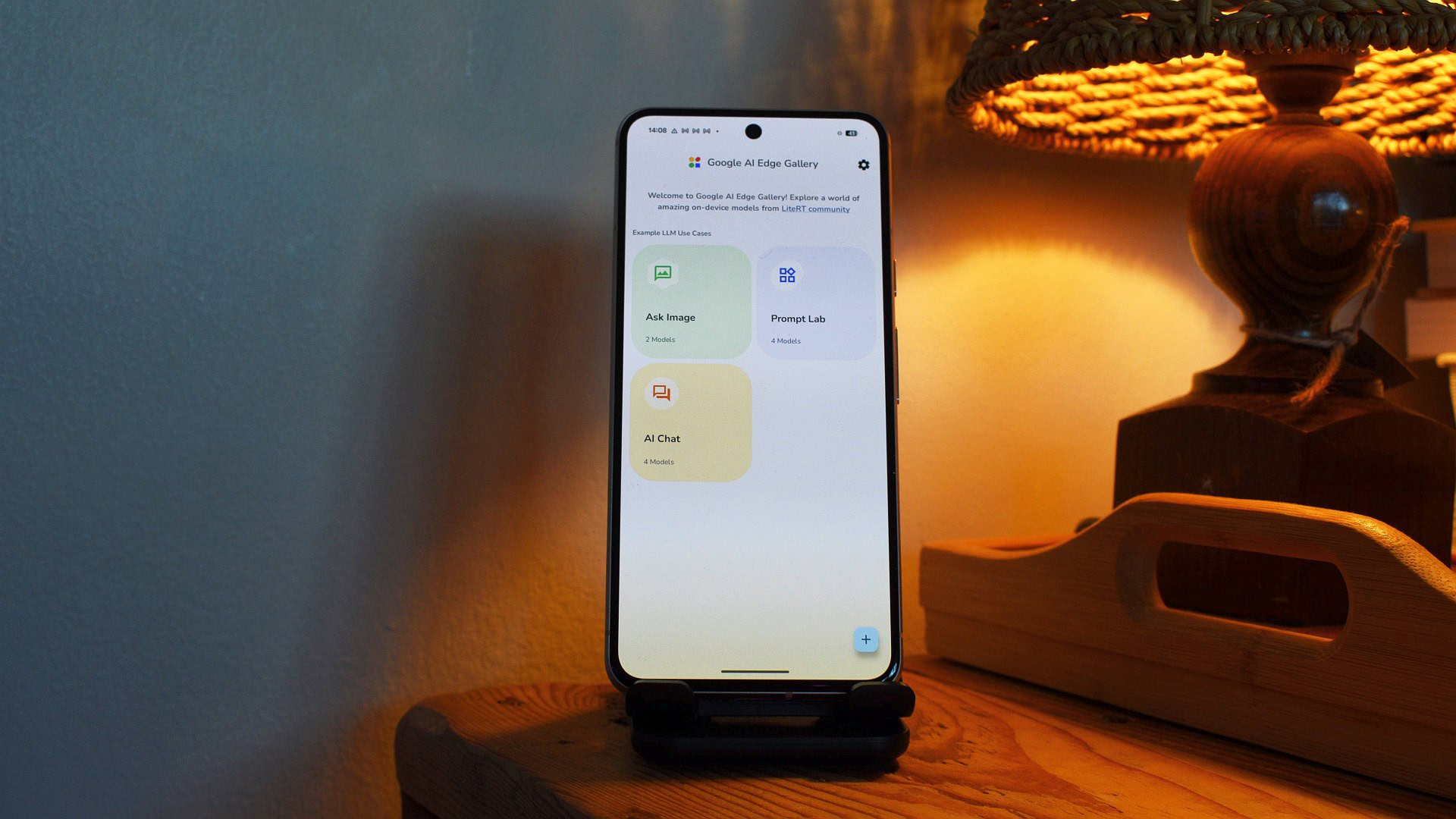
Google's AI Edge Gallery app has long been a standout tool for users who want to run AI models directly on their devices, offering a private and versatile alternative to cloud-based services. Now, the search giant is taking it to the next level with three significant updates announced at the I/O developer conference: support for the Model Context Protocol (MCP), notification reminders, and persistent chat history. These additions transform the app from a simple model runner into a powerful, proactive assistant that can interact with other apps and keep track of conversations over time.
What is AI Edge Gallery?
AI Edge Gallery is Google's platform for discovering, downloading, and running on-device AI models. It is designed for Android users who want to leverage the power of machine learning without sending data to the cloud. By keeping processing local, the app ensures greater privacy and faster response times, especially in areas with limited connectivity. Users can explore a variety of models, from language processors to image recognizers, and use them within a unified interface. The app has been praised for its simplicity and the growing library of high-quality, open-source models like Gemma, which is part of Google's lightweight AI family.
The new features aim to make AI Edge Gallery more practical for everyday tasks. While previous versions were excellent for experimenting with models, they lacked the interactivity and persistence needed for regular use. With these updates, Google is positioning the app as a legitimate alternative to cloud-based assistants like Google Assistant or ChatGPT, but with the added benefit of offline operation.
Model Context Protocol (MCP): Bridging AI and Apps
The most transformative addition is support for the Model Context Protocol (MCP). MCP is an open-source standard that defines a common language for on-device AI models to communicate with other software. Think of it as an API that allows a language model running on your phone to fetch data, trigger actions, or retrieve information from apps and services, whether hosted locally or in the cloud. This is a significant step toward turning a standalone model into an intelligent agent that can interact with your digital environment.
Google has demonstrated several compelling use cases. For instance, by connecting AI Edge Gallery to Workspace MCP, your on-device chatbot can check your Google Calendar for upcoming events, scan Gmail for bills or ticket confirmations, and even draft responses based on that context. Similarly, linking to the Google Maps MCP allows the bot to answer queries about nearby points of interest, travel times, or traffic conditions without sending your location data to a remote server. There is also a web MCP that enables the chatbot to fetch and summarize content from any URL—great for quickly digesting news articles or documentation offline.
The implications are vast. Developers can create custom MCP servers for their own apps, allowing AI Edge Gallery to control smart home devices, access local databases, or integrate with productivity tools. Because MCP is open, it encourages a community-driven ecosystem of connectors. This move aligns with Google's broader strategy of making on-device AI more capable while respecting user privacy. For users, it means they can enjoy a semblance of the connected experience seen in cloud AI, but with the confidence that sensitive data never leaves their phone.
Notification Reminders: Proactive Assistance
The second feature introduces proactive reminders through local notifications. In AI Edge Gallery, users can now ask the agent to schedule reminders for recurring tasks. For example, saying "Remind me to log my mood every night at 10 PM" triggers a local notification that, when tapped, opens the app directly to the appropriate tool—say, a sentiment tracking interface—and starts a new session with Gemma 4, ready to assist.
This functionality goes beyond simple reminders. Google suggests using it to create a "daily nudge" that asks about your well-being and tracks mood over time. Combined with MCP, a morning reminder could fetch your calendar events and email summaries, presenting a personalized digest before you leave home. Because notifications are local, they work even without internet access, making the app reliable for daily routines. This transforms AI Edge Gallery from a passive tool into an active companion that helps build habits and manage time.
For users who value privacy but still want a digital assistant that adapts to their life, this is a game-changer. The ability to set context-aware reminders—like being prompted to take a break after extended screen time or to review tasks when arriving at a specific location (via MCP integration with Maps)—adds a layer of intelligence that rivals cloud-based systems. And because everything runs on-device, there is no risk of data being mined for advertising or other purposes.
Persistent Chat History: Continuity Across Sessions
Finally, AI Edge Gallery now supports persistent chat history. This means that conversations with the on-device AI are saved locally, allowing users to pick up right where they left off. Previous versions lacked this feature, forcing users to start from scratch each time they launched the app—a significant limitation for tasks that require ongoing context, such as research, project planning, or creative writing.
With persistent history, the app retains the entire conversation, including any media generated during the session (like images or documents). Users can scroll back through previous exchanges, review information, and continue complex threads without repeating themselves. This is particularly useful for developers testing models, students working on assignments, or anyone who uses the app as a daily productivity tool. The data stays on the device, encrypted and under the user's control, ensuring privacy is not sacrificed for convenience.
Google has not specified how long the history is retained or whether users can manage storage limits, but the feature is designed to be seamless. The company likely uses efficient local storage mechanisms to avoid consuming too much space. For power users, the ability to export or clear history may be added in future updates, but for now, the focus is on providing a reliable and persistent experience.
Why These Updates Matter
Collectively, these three features address the most common criticisms of on-device AI: lack of integration with other apps, absence of proactive capabilities, and inability to maintain context. By adding MCP, reminders, and chat history, Google is making AI Edge Gallery a more compelling option for users who want the power of AI without sacrificing privacy or needing constant connectivity. The updates also position the app as a platform for developers, who can now build sophisticated agents that operate entirely on the user's device.
The timing is strategic. As concerns about data privacy grow and regulations like GDPR tighten, there is increasing demand for local AI solutions. Cloud-based models still dominate, but they come with latency, cost, and trust issues. AI Edge Gallery, with its enhanced features, offers a middle ground: the functionality of cloud AI with the privacy of local processing. Moreover, Google's investment in open protocols like MCP encourages third-party adoption, potentially creating a rich ecosystem of AI-powered tools and services.
For existing users, these updates are a welcome upgrade. For newcomers, the app now has enough features to serve as a primary assistant for many tasks. The ability to set reminders, retrieve information from other apps, and maintain conversation threads makes it a versatile tool for personal and professional use. As on-device hardware continues to improve—with faster processors and larger RAM—the gap between local and cloud AI will only narrow further, making apps like AI Edge Gallery central to the future of mobile computing.
Google has also hinted at more integrations in the pipeline, including deeper support for third-party MCP servers and possibly a dedicated SDK for developers. The company is clearly betting that on-device AI, augmented by these new capabilities, will become a staple of the Android experience. Users can expect further refinements in upcoming versions, especially as more apps adopt the MCP standard.
In the meantime, AI Edge Gallery is available for download from the Google Play Store. The three new features are rolling out gradually, so some users may need to update the app to access them. Google recommends using the latest version of Android and ensuring sufficient storage space for models and chat histories. With these enhancements, the app stands as one of the most advanced offline AI solutions on the market, demonstrating that powerful artificial intelligence does not always require a connection to the cloud.
Source: Android Authority News