

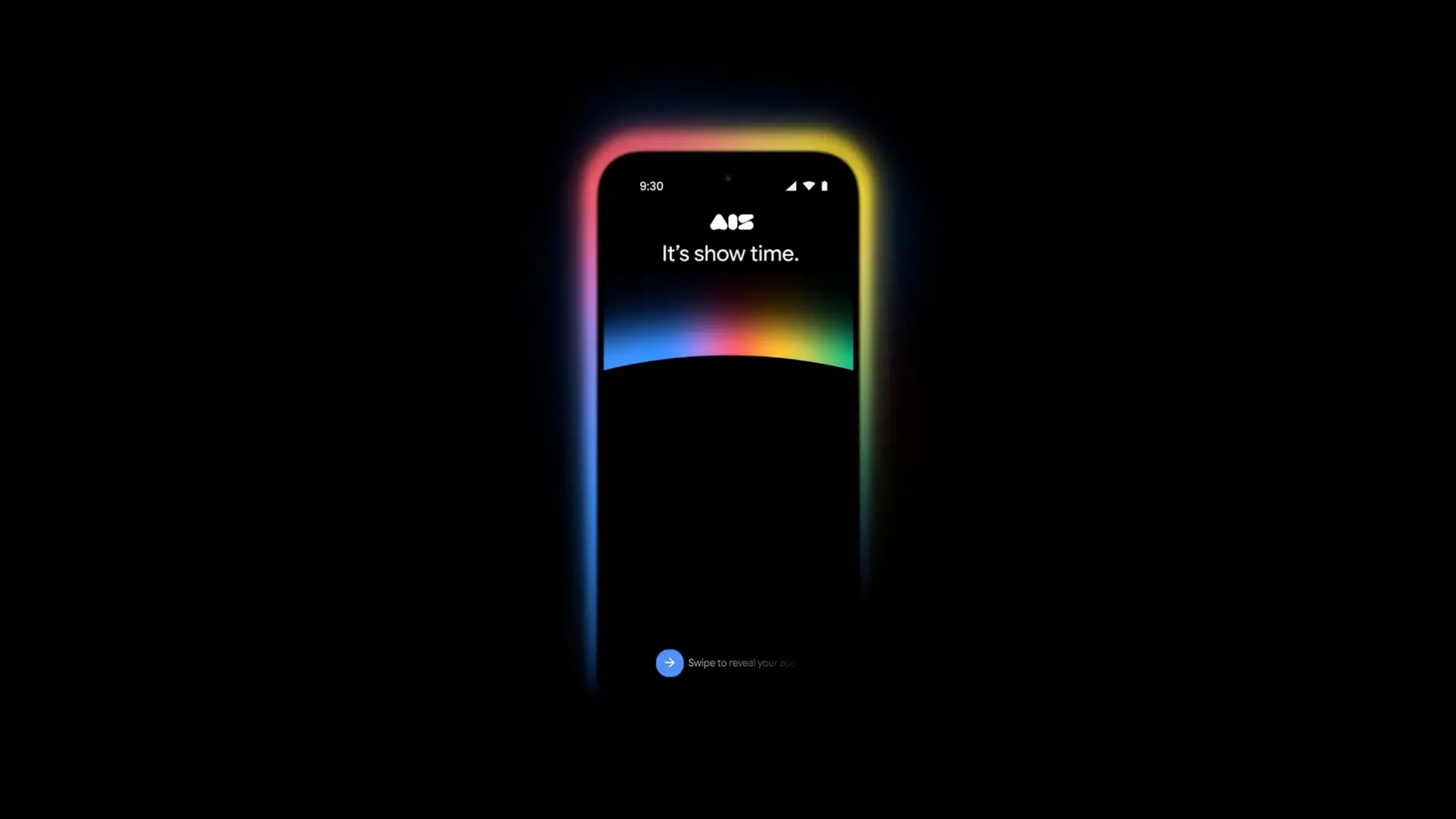
App development has undergone a dramatic transformation in recent years. The days of painstakingly writing every line of code in a heavyweight IDE like Android Studio are giving way to a more intuitive, AI-assisted approach known as "vibe coding." This trend, fueled by generative AI models like Google's Gemini, empowers even non-developers to bring their app ideas to life with natural language prompts. Google is now taking this revolution a step further by bringing its AI Studio to mobile devices, enabling users to create, iterate, test, and publish apps from anywhere—whether at a coffee shop, on a train, or simply lounging at home.
What is AI Studio and why mobile matters
Google AI Studio, currently available as a desktop web tool, is a development environment that leverages Google's advanced language models to assist in coding. Users can describe the functionality they want, and the AI generates the corresponding code, often for Android apps or web-based projects. The platform has gained traction among hobbyists, designers, and professional developers alike for its ability to rapidly prototype ideas without getting bogged down in boilerplate code.
Bringing this capability to mobile is a logical next step. Smartphones are ubiquitous and always with us, making them the perfect device for capturing creative sparks the moment they strike. By removing the reliance on a laptop, Google is democratizing app creation even further. The mobile version promises to be a full-featured companion, not a watered-down app. While some advanced desktop features may be absent, the core workflow—ideate, build, test, iterate—is designed to be fully functional on a phone screen.
Key features coming to mobile
According to an announcement on X (formerly Twitter) from the official Google AI Studio handle, the mobile app will include the remix feature already present on desktop. This allows users to take an existing app, duplicate it, and then tweak or expand the functionality. For example, a user could start with a basic to-do list app, then remix it to add location-based reminders or a shared family list. This encourages collaboration and rapid customization, reducing the friction of starting from scratch.
Additionally, the app will support a seamless cross-device experience. Users can begin a project on their phone and continue working on it later from a desktop browser, with all changes synced in real time. This flexibility is crucial for those who have fragmented workflows or who need to test on multiple devices. Publishing apps directly from the smartphone is another game-changer: once an app passes testing, users can submit it to the Google Play Store (or other stores) without ever touching a PC.
The rise of vibe coding and its implications
The term "vibe coding" has emerged from the developer community to describe a style of programming that relies heavily on AI assistance, often through conversational interfaces. Instead of memorizing syntax or debugging complex logic, the developer focuses on the overall "vibe" or desired outcome, and the AI handles the technical implementation. Tools like Google AI Studio, Microsoft Copilot, and GitHub Copilot have made this mainstream.
This shift has profound implications. It lowers the barrier to entry for coding, opening up app development to a broader audience—designers, entrepreneurs, students, and hobbyists. At the same time, it raises questions about code quality, security, and the depth of understanding required to maintain complex applications. Google's mobile AI Studio aims to address these concerns by providing a controlled environment that encourages best practices. The mobile version will likely offer real-time error checking and suggestions, helping users avoid common pitfalls.
How vibe coding works on mobile
The mobile app interface is expected to be touch-optimized, with natural language input as the primary mode of interaction. Users can type or voice their requirements: "Create a flashcard app with a spaced repetition algorithm" or "Build a workout tracker that logs sets and reps." The AI then generates the corresponding code, which users can preview and test instantly within the app. An emulator or live preview feature will be essential, allowing users to see how their app looks and behaves before publishing.
Google's Gemini models power the code generation, and they have been fine-tuned for Android development. The models understand Kotlin, Java, XML layouts, and even Jetpack Compose. For more advanced users, there are options to edit the generated code directly, though the mobile interface may make this more cumbersome than on desktop. Still, the ability to make quick edits on the go is valuable.
Background: Google's AI and mobile development history
Google's investment in AI-driven development tools has been building for years. The company pioneered deep learning with TensorFlow, launched ML Kit for mobile, and later introduced the Gemini family of models. AI Studio is a direct descendant of these efforts, initially released as a experimental tool for rapid prototyping. Its success led to the decision to expand to mobile.
The mobile app will be available on Android first, with pre-registration already open on the Google Play Store. iOS pre-orders are expected soon, but as of now, the App Store listing shows a simple "coming soon" notice. This staggered release is typical for Google, which often launches first on its own platform. Once live, the app will be free to use, though some advanced features may be tied to a Google One subscription or a pay-as-you-go credit system for excessive usage.
What this means for developers and creators
For professional developers, the mobile AI Studio is a handy tool for brainstorming and initial prototyping outside the office. For indie developers and hobbyists, it could be the primary way to build simple to moderately complex apps, especially those that rely on standard UI components. The ability to publish directly from the phone streamlines the entire workflow, from idea to store listing.
However, there are limitations. Complex apps with custom graphics, heavy backend integration, or extensive databases may still require a desktop environment. The mobile screen size and touch interface are not ideal for fine-grained code editing or debugging. But for many use cases—a habit tracker, a restaurant finder, a quiz game—the mobile AI Studio is more than sufficient.
Google is also addressing the collaboration angle. The remix feature allows users to share their app projects with others, who can then fork and modify them. This fosters a community of builders, much like the open-source movement but with a lower technical barrier. Google may eventually integrate version control features, but for now, the simple duplication mechanism works.
Preparing for the launch
Users interested in trying the mobile AI Studio can pre-register on Android by visiting the Play Store listing. Early adopters will likely get access to a beta before the full public rollout. Google has not announced a specific release date, but industry insiders expect it within the next few weeks. The platform will initially support English prompts, with more languages expected later.
The app's arrival coincides with a broader industry trend toward conversational programming interfaces. Apple has Siri Shortcuts and Xcode Cloud, Microsoft has Power Apps and Copilot, and now Google is positioning AI Studio as a mobile-first development environment. The race to make app development accessible to everyone is heating up, and the winner will be the one that balances ease of use with sufficient power to build real, functional applications.
As vibe coding becomes more mainstream, we may see a surge in niche, hyper-personalized apps created by individuals for their own needs. This could lead to a richer app ecosystem, where users are not just consumers but also creators. Google's mobile AI Studio is a significant step in that direction, putting the power of AI-assisted development literally into the palms of millions.
Source: Android Authority News