

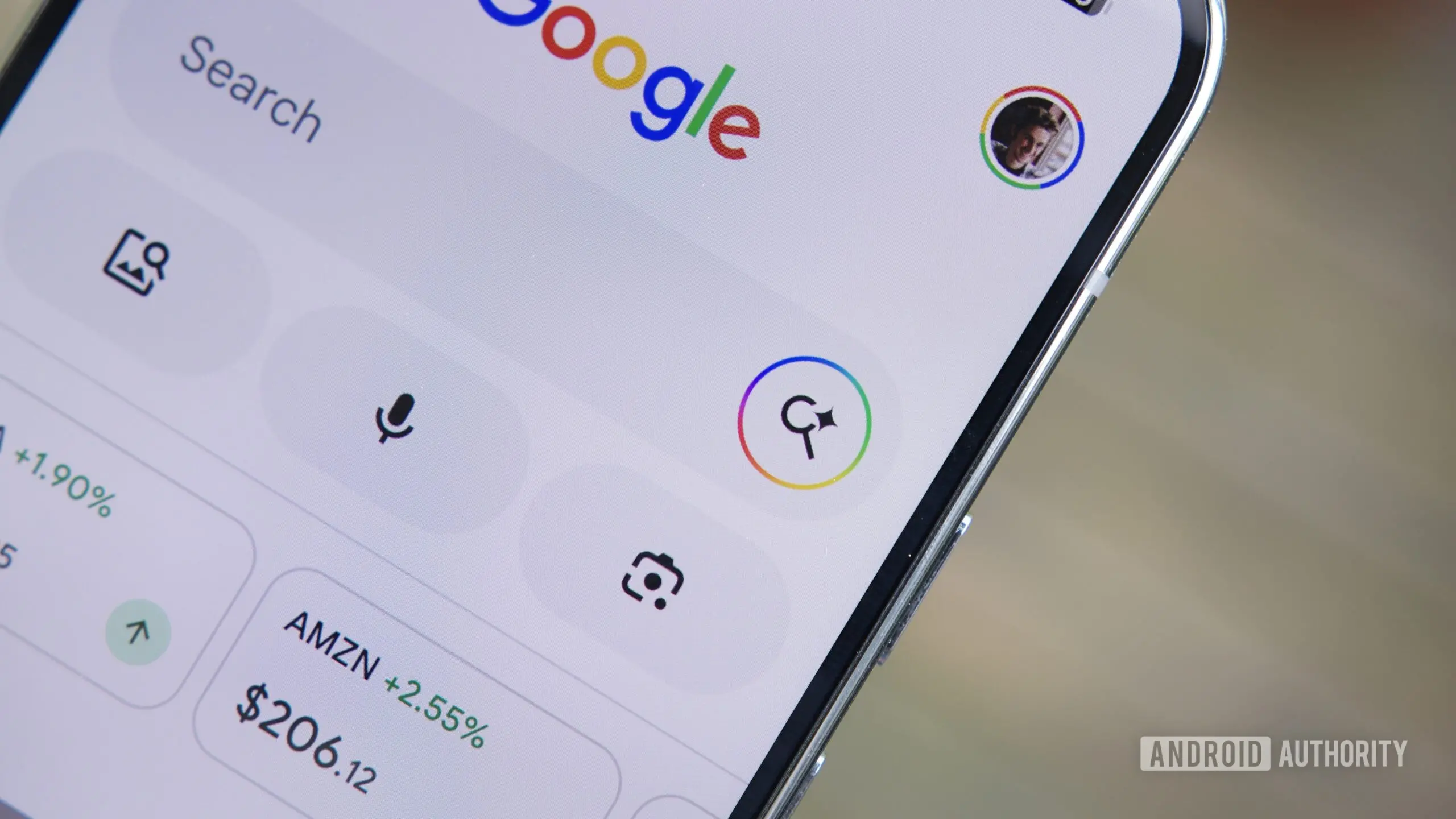
Google is rolling out a significant enhancement to its Search app on Android, introducing a new 'Ask' button that lets users interact with AI about any webpage they open from search results. This feature is designed to address a common frustration: after tapping a link from Google Search, users often find themselves wanting to search for something else, but the custom tab overwrites the previous search session. Instead of juggling multiple tabs or losing context, the 'Ask' button opens AI Mode with the entire webpage attached as context, so users can pose questions related to the content without leaving the tab.
How the 'Ask' Button Works
When a user taps a search result, Google opens the target webpage in a custom tab within the Google app. At the bottom of this tab, a new 'Ask' button appears. Tapping it triggers AI Mode, where the webpage is automatically added as context. Users can then type or voice-ask questions about the page's information—for example, asking for a summary, extracting key points, or clarifying a specific detail. This goes beyond the existing 'Summarize page' capability in Gemini by allowing open-ended queries. A downward arrow in the top-right corner lets users quickly return to the original webpage.
Background and Context
Google Search has been gradually integrating generative AI features since early 2023, with AI Mode being one of the most ambitious. It turns the search bar into an interactive AI assistant that can hold conversations, provide step-by-step reasoning, and leverage real-time web data. The new 'Ask' button for links is a natural extension, as it directly ties web browsing to conversational AI. According to beta testers, the feature is currently rolling out to a limited group of users running version 17.24.25 of the Google app on Android. It builds on a similar capability in Chrome for Android, where users can plus sign (+) to add tabs to AI Mode searches.
Additional Features: File and Drive Attachments
Alongside the 'Ask' button, Google is also testing attachment options for AI Mode. Users may soon be able to attach files saved locally on their phone or from Google Drive directly into AI Mode queries. This would allow the AI to process documents, images, or PDFs and answer questions based on their content. While not yet live, these options were spotted by digging into the app's code. In Chrome's AI Mode, file attachment is already functional, so the feature is likely heading to the Google app in the coming months. This aligns with Google's broader strategy of making AI multimodal and context-aware.
Impact on User Experience
The 'Ask' button could significantly reduce friction for users who frequently multitask on mobile. Instead of opening multiple tabs, copying text, or manually switching between apps, they can stay within a single custom tab and get answers instantly. This is especially useful for research tasks, reading long articles, or comparing information across pages. However, it also raises questions about data privacy and the accuracy of AI responses. Google has not yet detailed how it handles the content of attached webpages, but it likely processed through its cloud AI servers.
Future Implications
This feature is part of Google's broader push to embed generative AI deeply into Search. By allowing users to ask questions about any link, Google blurs the line between search results and reading experience. Over time, AI Mode could evolve into a full-fledged browser companion, potentially reducing the need to visit external websites for answers. This has implications for website traffic and advertising revenue, as users may get answers without clicking through. Publishers have already expressed concerns about AI Overviews summarizing their content; the 'Ask' button takes this a step further by inviting users to ask questions that the AI could answer using the page's text without leaving Google's ecosystem.
Technical Details and Rollout
The feature was first spotted by tipster @Eopaque on Telegram and confirmed by Android Authority's own testing. It appears as a server-side flag, meaning it can be enabled or disabled by Google without a full app update. The toggle appears under the AI Mode settings once activated. The rollout appears to be gradual, with some users seeing the button while others do not. Google has not announced an official launch date, but given the increasing competition from ChatGPT and Bing's AI features, the company is likely to accelerate the release.
Comparison with Competitors
Microsoft's Bing Chat (now Copilot) already allows users to attach URLs and ask questions about them. Apple is also reportedly working on similar AI integration for Safari. Google's advantage lies in the vast ecosystem of Android and Search, making the feature more deeply integrated. However, the challenge is ensuring that AI responses remain accurate and that users do not rely too heavily on AI to consume content without critical thinking. The 'Ask' button is a double-edged sword: it enhances convenience but risks reducing the depth of engagement with original sources.
In sum, Google's new 'Ask' button for links on Android marks a pivotal step toward an AI-first browsing experience. By combining contextual AI with web content, Google aims to make information retrieval faster and more intuitive. As the feature rolls out more broadly, users can expect a gradual shift in how they interact with search results and web pages. The attachment of files and Drive documents further hints at a future where the AI assistant becomes a central hub for managing and querying personal and public information.
Source: Android Authority News