

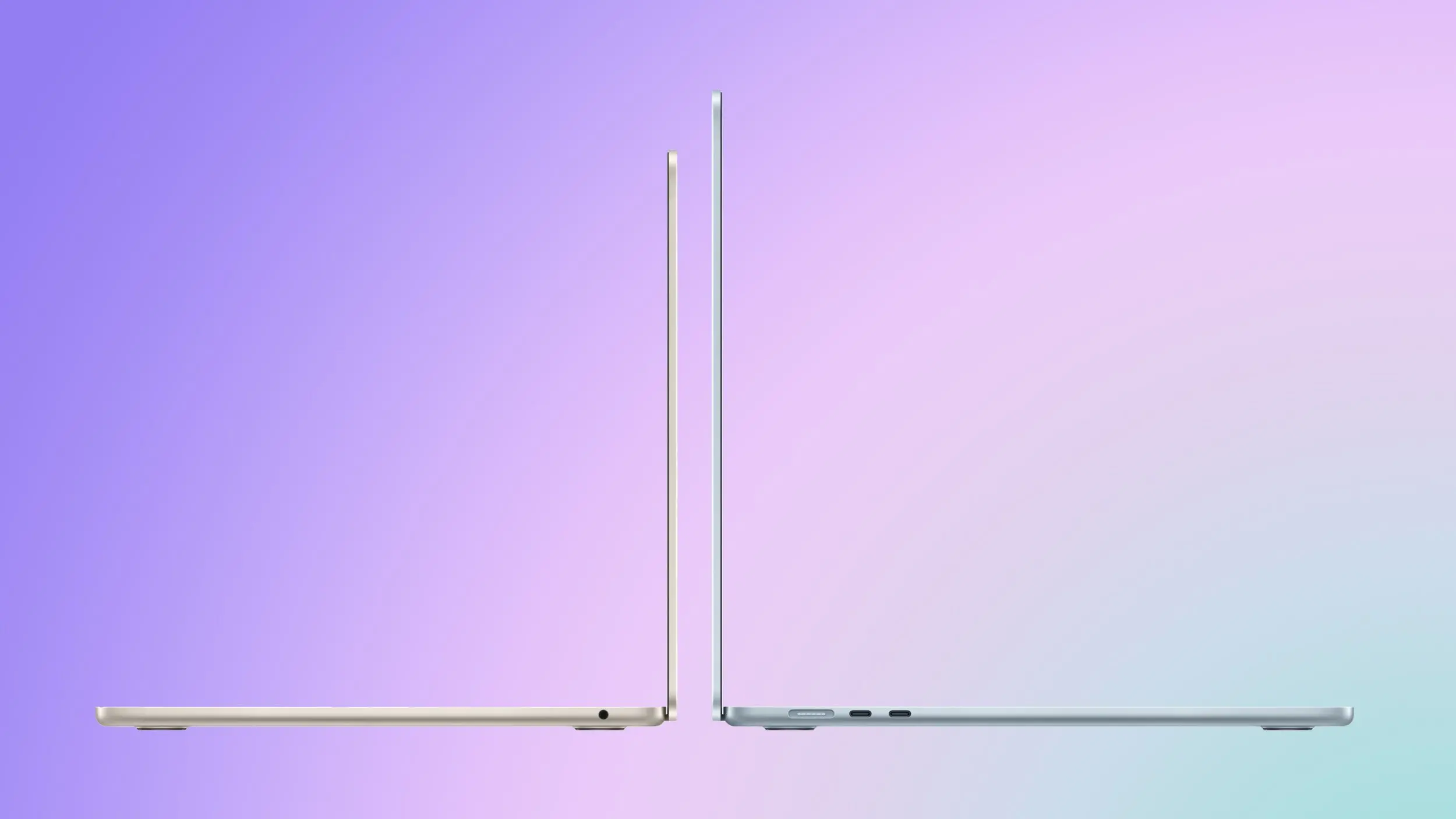
Apple last month announced a new MacBook Air, introducing the M5 chip, faster wireless connectivity, double the base storage, and a more capable charger, while simultaneously discontinuing the M4 model. So how does the new machine compare to its predecessor? This comprehensive buyer's guide breaks down every difference, from raw performance to real-world usability, helping you decide whether the upgrade is worth your money or if the M4 still holds its ground.
Pricing and Storage: A $100 Premium with Double the Base Storage
The M5 MacBook Air starts at $1,099 for the 13-inch model and $1,299 for the 15-inch, a $100 increase over the equivalent M4 models. In exchange, base storage doubles from 256GB to 512GB, and Apple says the new SSD delivers twice the read and write speeds of the previous generation. Education pricing is also available directly from Apple and typically shaves at least $100 off the price, making the M5 Air essentially cost-competitive with the M4 when factoring in the storage upgrade that previously cost $200 extra.
For users who need more storage, the M5 now supports up to 4TB, double the previous maximum of 2TB. This is a significant change for creative professionals who work with large files, video projects, or extensive local libraries. The price per gigabyte remains roughly similar, but the higher ceiling means the M5 Air can now serve as a primary machine for more demanding workflows.
Performance: The M5 Chip Delivers Measurable Gains
The main upgrade between the two models is the chip. Compared to the M4, the M5 delivers up to 15% faster multithreaded CPU performance, up to 30% faster overall graphics performance, up to 45% faster ray tracing performance, and a 27.5% higher unified memory bandwidth. These figures are based on Apple's internal testing and represent peak improvements under ideal conditions. But the real story lies in the workloads where the M5 truly shines.
Apple published a set of specific real-world workload results showing measurable gains in AI-driven applications: 4x+ peak GPU compute performance for AI, 3.6x faster time to first token for large language models (LLMs), 1.8x faster Topaz Video Enhance AI processing, 1.7x faster Blender ray-traced rendering, and 2.9x faster AI speech enhancement in Premiere Pro. These numbers indicate that the M5 is not just a generational bump but a targeted improvement for emerging compute paradigms.
Beyond raw performance, the M5 introduces several meaningful architectural changes. The GPU includes a dedicated Neural Accelerator in every core, a hardware addition absent from the M4, and Apple is exposing this via new Metal 4 developer APIs with Tensor capabilities. This allows developers to harness the GPU's machine learning capabilities more directly, enabling faster inference for tasks like real-time language translation, image generation, and audio processing.
The ray tracing engine advances to its third generation, and dynamic caching moves to its second generation. Memory bandwidth rises from 120 GB/s to 153 GB/s, enabled by the move from TSMC's second-generation 3nm process (N3E) to its third-generation 3nm process (N3P). This process shrink also contributes to improved power efficiency, though Apple has not disclosed exact battery life differences—both models are rated for up to 18 hours of video playback.
Connectivity and Wireless: Wi-Fi 7 and Bluetooth 6 Arrive
The M5 MacBook Air also gains Apple's N1 wireless chip, bringing Wi-Fi 7 and Bluetooth 6 in place of the M4 model's Wi-Fi 6E and Bluetooth 5.3. Wi-Fi 7, also known as IEEE 802.11be, offers theoretical speeds up to 40 Gbps, though real-world performance will depend on router support and network conditions. Bluetooth 6 introduces new features like higher data throughput and improved location services, which may benefit accessories like AirPods and trackpads.
For users who primarily use Wi-Fi for browsing and streaming, the difference between Wi-Fi 6E and Wi-Fi 7 may be negligible today, but as routers adopt the new standard, the M5 will be better positioned to take full advantage of faster and more stable connections. Similarly, Bluetooth 6 could enhance the experience of using multiple accessories simultaneously, reducing latency and improving reliability.
Display and External Monitor Support
Apple has enhanced external display support on the M5 MacBook Air. While the M4 model already supported up to two external displays when the lid is open—a feature introduced in 2025—the M5 goes further by supporting two external displays simultaneously over a single Thunderbolt port, with one display capable of running at up to 8K at 60Hz or 5K at 120Hz. This is a boon for professionals who need multiple high-resolution monitors without sacrificing internal display usage. The M4, by comparison, supports one external display at up to 6K at 60Hz or a second at lower resolutions, but with the lid closed, the internal display is disabled. The M5 allows more flexibility in multi-monitor setups.
Charging and Power Adapter
The M5 MacBook Air comes with a 40W Dynamic Power Adapter with a maximum output of 60W, replacing the previous 30W USB-C Power Adapter. The new adapter dynamically adjusts power delivery based on the device's needs, potentially speeding up charging when the battery is low and reducing heat when topped off. While both adapters charge the MacBook Air's battery to 50% in about 30 minutes, the M5's adapter offers slightly higher sustained power for demanding tasks, though the laptop's actual power draw remains similar. The change is more about adapting to the new USB-C standard and future-proofing the charger for other devices.
Storage and SSD Performance
The M4 MacBook Air shipped with PCIe NVMe Gen 3 SSD, while the M5 moves to PCIe NVMe Gen 4. Apple claims the Gen 4 drive deliver approximately twice the read and write speeds of the previous generation. This translates to noticeably faster file transfers, application launching, and system responsiveness when working with large files. For typical users, this may manifest as slightly quicker boot times and faster loading of games or creative software. For professionals editing 4K or 8K video, the improvement can be dramatic, shaving minutes off export and import tasks.
Additionally, the base storage configuration has been doubled from 256GB to 512GB, and the maximum option increased from 2TB to 4TB. This change effectively makes the M5 more affordable at the entry level—considering that a 256GB-to-512GB upgrade on the M4 cost $200, the M5's $100 price increase over the M4 base model means you're saving $100 for the same effective storage capacity. The higher maximum also makes the Air a more viable option for power users who previously had to step up to the MacBook Pro for larger storage.
Real-World Implications: Who Should Upgrade?
For users whose workloads include on-device AI inference, complex 3D rendering, or other GPU-bound and memory-intensive tasks, the jump from M4 to M5 is significant. The combination of per-core Neural Accelerators, higher memory bandwidth, and the new GPU architecture produces multi-fold speed-ups in specific AI operations. In environments where time-to-result directly affects workflow such as local LLMs, diffusion models, video enhancement, or ray-traced production, the M5 represents a meaningful step-change. The Gen 4 SSD further compounds these gains for storage-intensive workflows.
For typical day-to-day usage including browsing, office work, media playback, and basic editing, the difference is highly unlikely to be perceptible in any way. The M4 was already a high-performance chip that routinely exceeded the demands of normal Mac workloads, and for the overwhelming majority of M4 MacBook Air owners, there is clearly no general-purpose reason to upgrade. Even tasks like photo editing in Adobe Lightroom or casual gaming will feel nearly identical on both machines.
For new buyers choosing between the two models, the M5 is the more straightforward long-term choice. The doubled base storage alone changes the value calculus, and when you consider that Apple previously charged $200 to upgrade the M4 Air from 256GB to 512GB, the M5 effectively costs $100 less than a comparably configured M4 model would have at launch. If future-proofing is a priority and you intend to keep the machine for many years, the M5 model will be better equipped to handle increasingly prevalent on-device AI workloads as they mature. The improved connectivity and higher maximum storage also extend the usable life of the device.
Historical context: Apple's MacBook Air line has traditionally been positioned as the consumer-friendly thin and light laptop, but with each generation, it has absorbed more professional-grade features. The M4 Air in 2025 introduced dual external display support and a 15-inch model, blurring the line with the MacBook Pro. The M5 Air continues this trend by adding advanced GPU architecture and faster storage, making it a compelling choice for students, creative hobbyists, and even some professionals who don't need the peak performance of a Pro model. The difference between the M4 and M5 is not as stark as the jump from Intel to Apple Silicon, but it is more significant than the typical yearly iteration, especially for those who rely on AI or GPU acceleration.
In summary, the M5 MacBook Air offers tangible improvements in storage, connectivity, and GPU performance, with particular strengths in AI and rendering tasks. While the M4 remains an excellent machine for everyday use, the M5 represents a smarter investment for new buyers who want the latest technology and longer-term viability. The $100 premium is justified by the doubled base storage and future-ready features like Wi-Fi 7 and Bluetooth 6. For current M4 owners, only those with demanding professional workflows or a need for more storage should consider upgrading; everyone else can safely wait another generation.
Source: MacRumors News